Published:
IPTV Sports 2026 – Watch Allsvenskan, SHL & Champions League
IPTV sports – watch Allsvenskan, SHL, Champions League and NHL in one subscription. How to pick the right service, device and app in 2026.
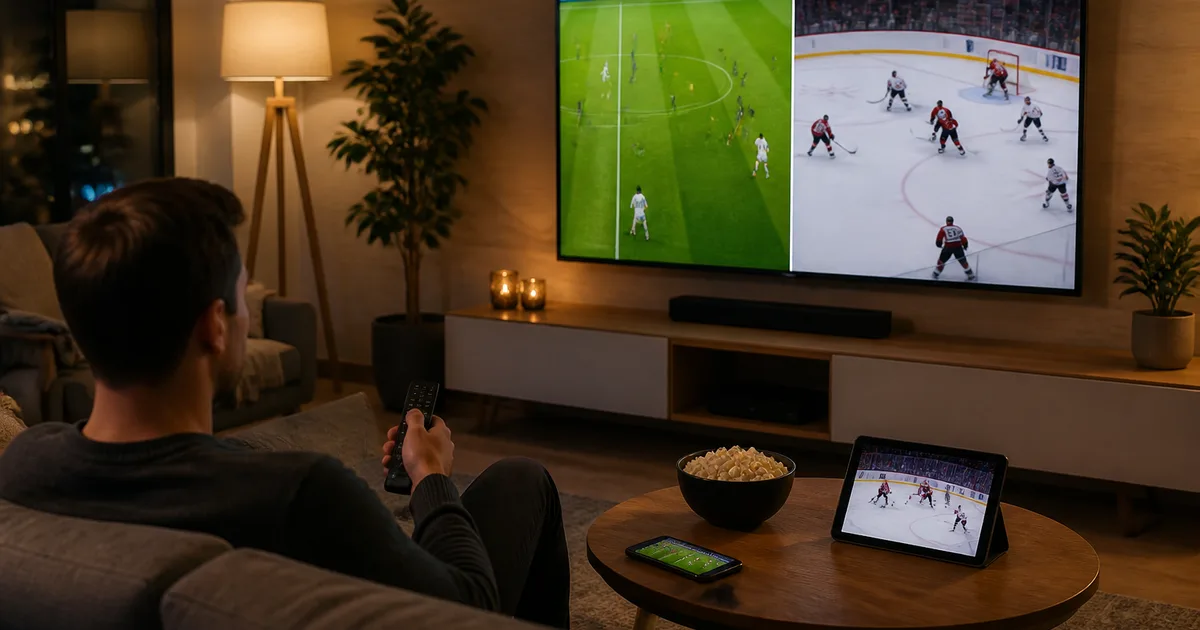
Want to watch all your sport – Allsvenskan, SHL, Champions League and NHL – without paying for four separate sports packages at once? IPTV sports is the simplest answer: a single internet-based subscription that gathers Swedish channels like SVT and TV4 together with international sports channels in one channel list. Instead of switching between Viaplay, C More, TV4 Play and cable, you stream football, hockey and motorsport from one app on your Smart TV, Fire TV Stick, phone or tablet. In this guide we cover what IPTV sports is, which leagues you can follow, how to get started in five minutes, what it costs, and how to troubleshoot when the stream stutters in the middle of overtime.
Quick summary – IPTV sports 2026
- What is IPTV sports? An internet-based TV subscription that gathers sports channels and leagues in one app – Allsvenskan, SHL, Champions League, NHL and more.
- One interface: instead of separate apps for Viaplay, C More and TV4 Play, you see every match in the same channel list with a shared programme guide (EPG).
- Devices: Samsung Tizen, LG webOS, Android TV box, Fire TV Stick, Apple TV, Chromecast, mobile and tablet.
- Price at Nordisc IPTV: from 179 SEK for 1 month up to 799 SEK for 12 months – no contract, instant activation.
- Bandwidth: at least 25 Mbps for HD, 50 Mbps for 4K – ideally a wired Ethernet connection to the device you watch on.
- Try it first: a free trial and login in a few minutes before you commit.
This guide draws on Nordisc IPTV's own live-sport testing through the 2025–2026 season – Allsvenskan, Hockeyallsvenskan, SHL, Champions League and NHL – on the same channel line-up a normal sports subscription carries. We explain the technology behind IPTV sports, compare it against traditional alternatives, walk through which devices and apps work best, and show how to solve the most common problems on a match night. The goal is that you pick the right solution the first time and watch every match you care about – in one place, without hunting for the right app five minutes after kick-off.
Contents
- What is IPTV sports and how does it differ from cable?
- Why choose IPTV for sport in 2026?
- Which sports and leagues can you watch via IPTV sports?
- How to get started with IPTV sports – step by step
- IPTV sports compared with Viaplay, C More and cable TV
- Devices and apps for streaming sport via IPTV
- Troubleshooting: when the sports stream stutters
- Pros and cons of IPTV for sport
- Frequently Asked Questions about IPTV sports
- Conclusion – watch all your sport in one place
What is IPTV sports and how does it differ from cable?
IPTV sports is the umbrella term for watching live sport via Internet Protocol Television – TV channels and matches streamed over your broadband instead of over terrestrial aerials, cable or satellite. Technically, the TV signal is compressed into digital IP packets sent over the internet to your device, where an app unpacks them and shows the match in real time. The difference from cable is that you are not tied to a physical box in the living room.
Traditional TV in Sweden relies on three distribution paths: terrestrial (Boxer), cable (Comhem/Tele2) and satellite. All three tie you to hardware, often a contract, and a fixed channel package. IPTV flips that around: channels arrive over the same internet connection you already pay for, and you choose which app and device to watch on. For sport, that means SVT1, SVT2, TV4 and international sports channels can sit in the same channel list with a shared programme guide, instead of being spread across Viaplay, C More and TV4 Play.
The technology uses standards like M3U/M3U8 playlists, HLS streaming and the Xtream Codes API for login, plus EPG (XMLTV) for the programme guide. Just as Netflix and SVT Play are built on the internet, so is IPTV – but with a focus on linear live TV and real-time sport. If you want to understand the underlying technology in depth, start with our explainer on what IPTV is and how it works and the detailed overview on IPTV on Wikipedia. For the sports fan, the key point is this: the same technology that powers your streaming services can gather all your sport into one interface.
No commitment · no credit card
Why choose IPTV for sport in 2026?
The biggest reason to choose IPTV for sport in 2026 is the fragmentation of broadcast rights. Allsvenskan, SHL, Champions League, the Premier League and the NHL are spread across different services – and buying them all separately quickly costs well over a thousand kronor a month. IPTV gathers the line-up into one subscription and one app, saving both money and time when several matches clash on the same evening.
Through 2026 the fragmentation has only grown. Viaplay carries large parts of European football and the NHL, C More and TV4 share other football and hockey, while Discovery+ and Eurosport hold motorsport and other sports. A Swedish sports fan who wants to follow Allsvenskan, SHL and the Champions League is in practice forced to juggle three or four apps and as many logins. With a consolidated IPTV service for sport from Nordisc IPTV, everything sits in one channel list – you scroll the EPG and click the match, regardless of which channel formally carries it.
Beyond the economics there are practical wins. Catch-up lets you rewind to the start of a match if you got home late, EPG reminders alert you five minutes before kick-off, and multiple simultaneous streams mean the final can play on the big screen while the kids watch a different match on the tablet. Not being locked into a contract is a benefit in itself: sports seasons run in waves, and a no-contract subscription lets you match your spending to when your league actually plays. To see how a consolidated Nordic line-up looks in practice, read our complete guide to Nordic IPTV and channels.
Which sports and leagues can you watch via IPTV sports?
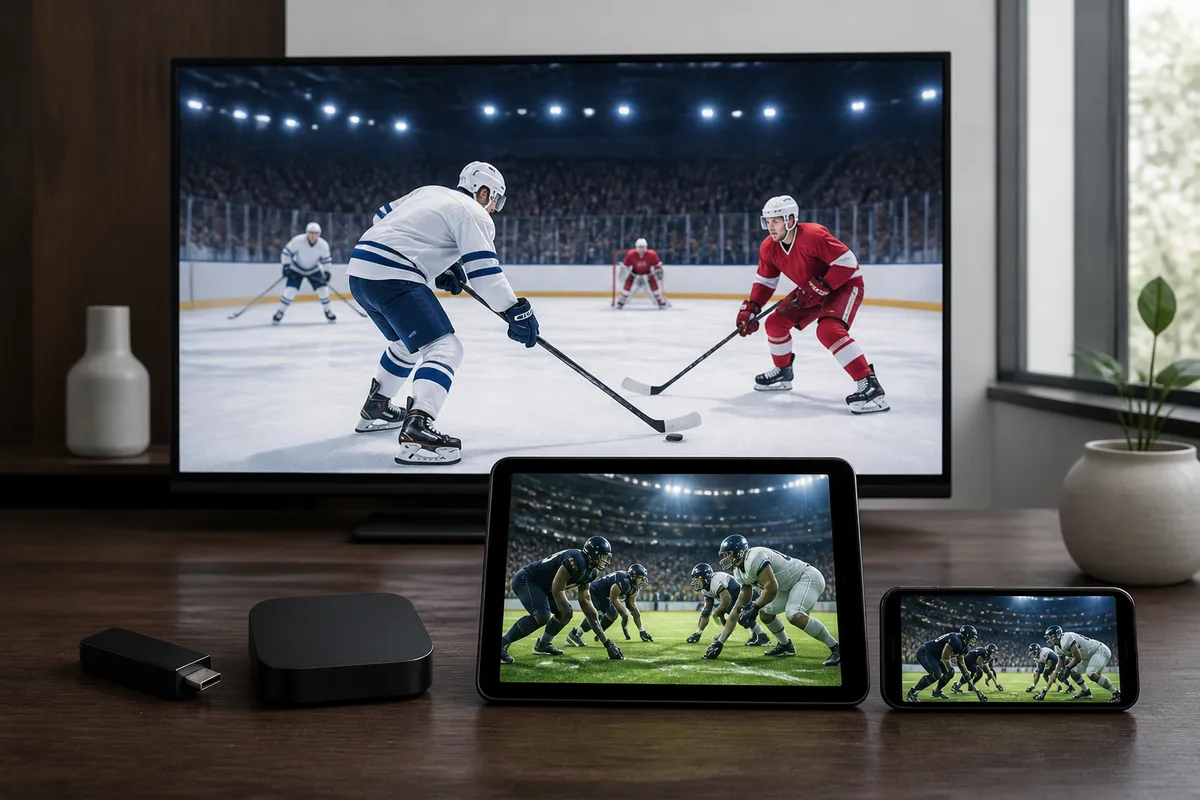
With IPTV sports you can in practice follow all the major leagues Swedish viewers care about: Swedish football (Allsvenskan, Superettan), Swedish hockey (SHL, Hockeyallsvenskan), European football (Champions League, Premier League, La Liga, Serie A, Bundesliga) and North American hockey (NHL). A broad subscription like Nordisc IPTV gathers Swedish channels such as SVT and TV4 together with international sports feeds in the same list.
The point is breadth. A typical cable or streaming service forces you to pick a package – "sport" here, "football" there – whereas a full IPTV line-up with 50,000+ channels covers several leagues and sports in parallel. Below is an overview of what Swedish sports fans most often look for and where the content traditionally lives. Note that exact rights can change between seasons – always check the official schedule for your specific match.
| Sport / league | What you can follow | Traditional home in Sweden |
|---|---|---|
| Allsvenskan (football) | League, top matches, highlights | Split between providers by season |
| SHL (ice hockey) | Regular season, play-offs, match nights | Sports channels and streaming services |
| Hockeyallsvenskan | Second-tier hockey, promotion play-offs | Streaming and niche sports channels |
| Champions League (football) | Group stage, knockouts, the final | Split across streaming services |
| Premier League / La Liga / Serie A | Europe's top leagues | International sports channels |
| NHL (ice hockey) | Regular season, play-offs, Swedish players | North American sports feeds |
| Motorsport (F1, MotoGP) | Races, qualifying, highlights | Eurosport, Discovery+ and feeds |
For Swedish hockey fans the SHL-plus-NHL combination is especially attractive: you can follow both the domestic league and the Swedish stars in North America in the same app, even though the broadcasts traditionally sit on completely different services. On the football side, a broad line-up covers both Allsvenskan at home and the midweek Champions League nights. If you follow your team while living abroad, geo-blocks make this even more valuable – see our guide to watching Swedish TV and sport abroad. Official information about the Swedish hockey league is available on the SHL Wikipedia page.
Activated within 5 minutes
How to get started with IPTV sports – step by step
Getting started with IPTV sports takes under five minutes and requires no technical background. You choose a subscription with the right sports line-up, receive your login details, install an app and load the channel list. Below is the whole process from zero to first kick-off, with the exact steps we recommend after installing the service on everything from a Fire TV Stick to older Samsung models.
- Choose a subscription with sports channels. Check that the line-up covers the leagues you follow – Allsvenskan, SHL, Champions League or NHL. Compare plans and prices on our pricing page with all subscriptions before you decide.
- Receive your Xtream Codes or M3U link. After ordering you get a server URL, username and password, or an M3U link. Save them in a note.
- Install a playback app. Download IPTV Smarters Pro, TiviMate, IBO Player or Smart IPTV from your device's app store (Google Play, App Store, Samsung or LG Store).
- Log in with the Xtream Codes API. Open the app, choose "Add playlist", and paste the server URL, username and password. Copy directly – do not type by hand.
- Wait 30–90 seconds while the channel list, sports channels and EPG load. Do not close the app during the first load.
- Favourite your teams and leagues and enable EPG reminders five minutes before kick-off so you never miss a match.
The tip from our testing: install a few days before a big match night, not five minutes before kick-off – that way you have time to test that everything works calmly. If you need help choosing the app for your specific device, we have a detailed walkthrough in our IPTV Smarters Pro setup guide. Support is available around the clock if something goes wrong along the way.
IPTV sports compared with Viaplay, C More and cable TV
How does IPTV sports stack up against the traditional alternatives? The most common situation for a Swedish sports household in 2026 is paying for several services at once – Viaplay for football and the NHL, C More or TV4 Play for hockey and other football, plus a cable or fibre package for the linear channels. A single consolidated IPTV subscription replaces that stack with one app and one price. The table below compares the usual ways to watch sport in Sweden.
| Criterion | IPTV sports (Nordisc IPTV) | Viaplay | C More / TV4 Play | Traditional cable TV |
|---|---|---|---|---|
| Leagues together | Allsvenskan, SHL, CL, NHL and more in one list | Depends on package | Depends on package | Base line-up only |
| All sport in one place | Yes | No | No | Partly |
| Catch-up / rewind | Yes | Yes | Yes | Limited |
| Price/month | From 179 SEK | Typically several hundred SEK | Typically several hundred SEK | Often several hundred SEK |
| Contract | None | Often yes | Varies | Often 12–24 months |
| Simultaneous devices | Multiple streams | Depends on plan | Depends on plan | 1 per box |
| Channel count | 50,000+ | Limited selection | Limited selection | Fixed package |
| 4K support | Yes (FHD/4K/8K) | Partly | Limited | Depends on box |
The conclusion for most sports fans: if your goal is to watch all your sport – Allsvenskan at home, the SHL play-offs, the Champions League nights and the NHL with the Swedish stars – without juggling four apps and as many invoices, a consolidated IPTV subscription gives the most coverage per krona and with no contract. If you only follow a single league, a specialised service may be enough, but in practice most sports fans want more. For a deeper comparison of providers and prices, read our rundown of the best IPTV services in 2026. Unlike most comparison guides, we don't lock you into a single league's ecosystem – the whole point of IPTV sports is breadth.
Support team available 24/7
Devices and apps for streaming sport via IPTV
Streaming sport via IPTV works on virtually every modern screen: Smart TV, Fire TV Stick, Apple TV, Android box, mobile and tablet. All you need is a stable internet connection and a playback app. Below are the devices that work with a standard subscription and which app suits each best – so the whole household can follow their favourite teams in parallel.
| Device / platform | Recommended app | Suitability for sport |
|---|---|---|
| Fire TV Stick 4K Max | TiviMate / IPTV Smarters Pro | Excellent – fast 4K, cheap way to upgrade an old TV |
| Android TV / Google TV box | TiviMate | Excellent – best EPG for the whole schedule |
| Samsung Tizen / LG webOS Smart TV | IBO Player / Smart IPTV | Very good – no extra hardware needed |
| Apple TV 4K | IBO Player / IPTV Smarters Pro | Very good – stable 4K via Xtream Codes |
| iPhone / iPad | IPTV Smarters Pro | Good – follow matches on the go |
| Android mobile | IPTV Smarters Pro / TiviMate | Good – mobile data or Wi-Fi |
| Chromecast / Windows / Mac | IPTV Smarters Pro | Good – second screen on match night |
For 4K broadcasts of the big matches we recommend at least 50 Mbps and ideally Ethernet or Wi-Fi 6 to the device you watch on. Got an older Smart TV from before 2018 that stutters during live sport? A Fire TV Stick 4K Max turns it into a fast streaming device – often better performance than a six-year-old TV processor. On the codec side, modern IPTV streams carry both H.264 and the more efficient H.265/HEVC, giving a sharper 4K picture at lower bandwidth. Nordisc IPTV also includes built-in privacy protection, which is handy when you stream sport on open networks. If something stops working during a match, our guide on what to do when IPTV is not working walks through the fixes step by step.
Troubleshooting: when the sports stream stutters
Nothing is worse than buffering in the overtime of an SHL play-off or a Champions League quarter-final. Most support tickets we handle during big sports nights fall into one of four categories – and nearly all can be solved yourself in under five minutes. Here are the most common problems on a match night and exactly what to do about them, whether you watch on a Fire TV Stick, Smart TV or mobile.
"The picture buffers or stutters mid-match"
Symptom: the picture freezes for a few seconds and continues, often worst at kick-off when many people stream at once. Cause in most cases: bandwidth is insufficient or Wi-Fi is congested during peak time. Fix: run a quick speed test directly on the device. Under 25 Mbps? Switch from Wi-Fi to Ethernet or move the router closer. Still a problem at 50+ Mbps – drop from 4K to FHD in the app settings on the busiest evenings.
"The EPG doesn't show the match schedule"
Symptom: channels play but the programme guide is empty or missing matches. Cause: the EPG source hasn't refreshed. Fix: in IPTV Smarters Pro, go to Settings → EPG → Force Update. In TiviMate: Settings → EPG → Reload. If the guide is still empty after five minutes, ask support for an updated XMLTV link ahead of the match night.
"One sports channel won't load but others work"
Symptom: news and film channels play, but the SHL or Champions League channel gives a black screen. Cause: a single feed under heavy load or a temporary source change. Fix: switch to an alternative feed for the same match if one is listed, restart the app, and if the problem persists contact support – they can point the channel to a more stable source within minutes.
"The app crashes on an older Smart TV"
Symptom: the playback app closes right after start, most common on LG webOS 3.x and Samsung models before 2018. Fix: uninstall the app, unplug the TV's power cable for 60 seconds, reinstall from the app store. If the TV is older than 2018, a Fire TV Stick 4K Max replaces the TV app entirely and gives better performance in time for the next match night.
Start streaming in 5 minutes
Pros and cons of IPTV for sport
As with any technology there are trade-offs. After testing IPTV sports through a full season, here is our honest picture of where it shines and where it has limits, so you can make an informed decision before choosing a subscription.
Pros
- All sport in one place: Allsvenskan, SHL, Champions League and the NHL in one app instead of four separate subscriptions and logins.
- Lower total cost: a consolidated subscription is usually cheaper than the stack of Viaplay, C More and cable TV together.
- No contract: at Nordisc IPTV you pay per period and can match your spending to the season – handy when your league only plays part of the year.
- Works on all your screens: Smart TV, Fire TV Stick, Apple TV, mobile and tablet on the same subscription.
- Catch-up and EPG reminders: rewind to the start of a match and get alerts before kick-off – invaluable when matches clash.
- Wide channel line-up: 50,000+ channels cover several leagues and sports in parallel, not just one.
Cons
- Depends on your connection: an unstable or slow broadband line means buffering – 4K needs at least 50 Mbps.
- A small learning curve: the first setup with Xtream Codes and EPG takes a few minutes of fiddling, even if it goes quickly.
- Rights can vary: exactly which matches are available may change between seasons – always check the schedule for your specific match.
- Requires the right provider: quality varies widely between services; choose a reputable provider with a stable server and support over a cheap forum link.
Frequently Asked Questions about IPTV sports
What is IPTV?
IPTV (Internet Protocol Television) is TV streamed over your broadband instead of over terrestrial aerials, cable or satellite. The content is sent as digital IP packets and unpacked by an app on your Smart TV, Fire TV Stick or mobile. For sport, it means you can gather Swedish and international sports channels into a single channel list.
How does IPTV work for sport?
An IPTV service fetches the live broadcast from a server and streams it to your playback app via an M3U link or Xtream Codes. The app shows the match in real time alongside a programme guide (EPG). You scroll the guide, click the match you want, and can set favourites and reminders for your teams – Allsvenskan, SHL, Champions League or NHL.
Which IPTV is best for sport?
The best IPTV service for sport is the one that covers the specific leagues you follow, runs a stable server on match nights, and offers support when something goes wrong. A broad line-up that gathers Allsvenskan, SHL, Champions League and the NHL in one subscription is usually preferable to a service that carries only a single league. Try a free trial before you commit.
Can I watch Allsvenskan and SHL via IPTV?
Yes. A broad IPTV subscription gathers Swedish sports channels so you can follow both Allsvenskan in football and SHL in ice hockey in the same app. With catch-up you can also rewind to the start of a match if you got home late, and EPG reminders alert you five minutes before kick-off. Always check that the line-up covers the matches you want before ordering.
How much does IPTV with sport cost?
At Nordisc IPTV a subscription costs from 179 SEK for one month, 379 SEK for three months, 499 SEK for six months and 799 SEK for twelve months – with no contract and instant activation. That is usually cheaper than combining Viaplay, C More and a cable package, which individually can each cost several hundred kronor a month.
Which IPTV app is best for sport?
It depends on your device. On Fire TV Stick and Android TV, TiviMate and IPTV Smarters Pro are the most popular thanks to fast EPG and stable playback. On Samsung Tizen and LG webOS, IBO Player and Smart IPTV work well without extra hardware, and on iPhone and iPad, IPTV Smarters Pro is a common choice. All are legal media players – it's the subscription, not the app, that determines the content.
Do I need a VPN to watch sport via IPTV?
At home in Sweden you normally don't need a VPN to watch sport via a Swedish IPTV subscription. When travelling within the EU/EEA, portability rules under EU Regulation 2017/1128 give you the right to take your services with you on trips. Nordisc IPTV also includes built-in privacy protection. Outside the EU a VPN may be needed for some services, but for normal use at home none is required.
How do I get IPTV for sport?
You choose a subscription with sports channels, receive your Xtream Codes or an M3U link, install a playback app (IPTV Smarters Pro, TiviMate, IBO Player or Smart IPTV) and log in. The channel list and EPG load in under a minute, and then you favourite your teams. The whole process takes under five minutes – see the full steps in the section above.
Conclusion – watch all your sport in one place
Sport in Sweden in 2026 is fragmented: Allsvenskan, SHL, Champions League and the NHL are spread across Viaplay, C More, TV4 Play and cable, and buying everything separately quickly costs more than it needs to. IPTV sports solves exactly that – one subscription, one app, one interface, on all your devices, with catch-up for the matches you miss and EPG reminders so you are never late for kick-off. For the sports fan who wants to follow more than a single league, it is the most cost-effective and flexible route in 2026. Our shortlist:
- Follow several leagues? → a broad subscription covering football and hockey together
- Fire TV Stick or Android TV? → TiviMate or IPTV Smarters Pro for the best EPG
- Smart TV without an extra box? → IBO Player or Smart IPTV
- Miss late matches? → catch-up + EPG reminders five minutes before kick-off
- 4K on the big screen? → at least 50 Mbps, ideally Ethernet or Wi-Fi 6
Want to see how a consolidated subscription performs during a major tournament? Read our guide on watching the 2026 World Cup with Nordic One IPTV. Have questions about what's included? You'll find answers on our frequently asked questions page, and a single entry point to the full line-up is available at Nordisc IPTV – Swedish IPTV for sport and live TV. Try it yourself with a free trial and compare the plans side by side on our IPTV subscription pricing page – no contract, login in a few minutes.
Nordisc IPTV has helped households in Sweden and Swedes abroad watch SVT, TV4, Allsvenskan and SHL since 2022. Our support team is available 24/7 for setup, troubleshooting, and subscription questions. Updated: July 14, 2026.