Published:
IPTV Smarters Pro 2026 – Setup, Settings & Full Guide
IPTV Smarters Pro – install and configure the app on Fire TV, Smart TV, Apple TV and mobile with Xtream Codes. Setup and troubleshooting for 2026.
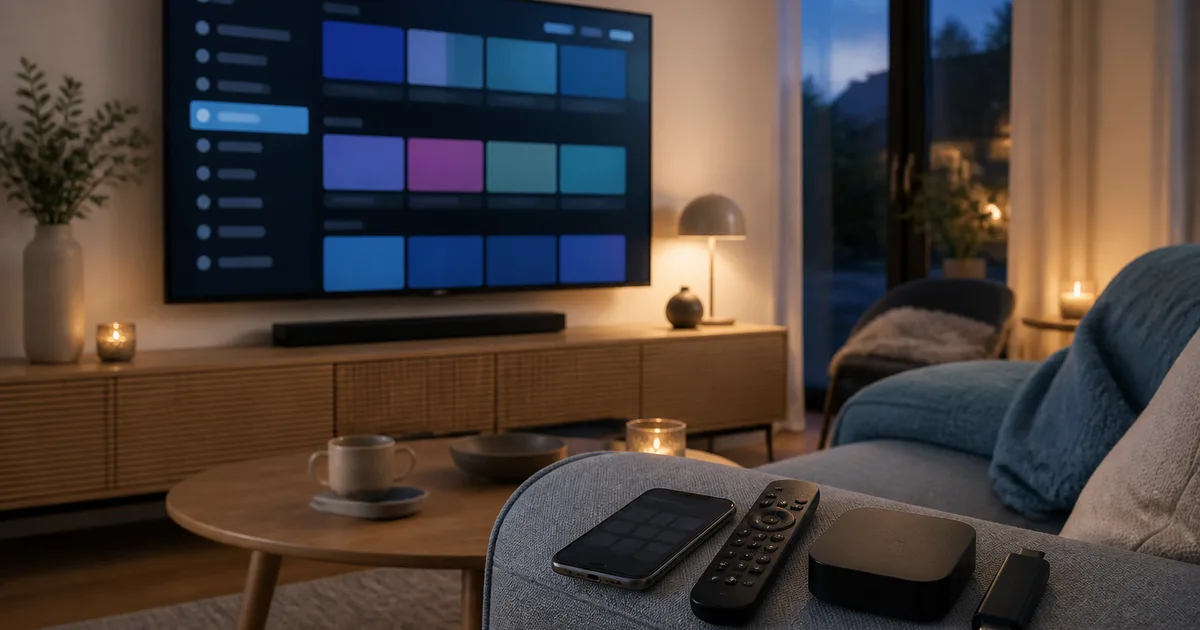
IPTV Smarters Pro is a free media player you install on your Smart TV, Fire TV Stick, Apple TV, Android TV box or phone to play back an IPTV subscription using the Xtream Codes API or an M3U playlist. The app delivers no content of its own — it takes a server URL, username and password from your provider and displays live channels, on-demand libraries, the EPG programme guide and catch-up. It's one of the most widely used IPTV apps in the world, mainly because the same login works on nearly every platform. This guide shows exactly how to install, log in to and troubleshoot IPTV Smarters Pro, step by step on each device.
We cover the install on Android, iOS, Fire TV Stick, Samsung Tizen, LG webOS, Apple TV and Chromecast with Google TV, how to enter your Xtream Codes correctly the first time, how to load the EPG, and what to do when login is rejected or the picture buffers. Everything is based on our own testing of the app against Nordisc IPTV during the first half of 2026.
By the Nordisc IPTV editorial team · Updated: June 23, 2026
Quick summary — IPTV Smarters Pro in 2026
- What it is: a free IPTV player that supports the Xtream Codes API and M3U/M3U8 — you need a separate subscription for the content.
- Runs on: Android, Android TV, iOS, Apple TV, Fire TV Stick, Samsung Tizen and LG webOS (as Smarters Player Lite), Windows and macOS.
- Setup: download from your device's app store, choose Login with Xtream Codes API, enter the server URL, username and password — done in under 5 minutes.
- Best for: households who want the exact same app and layout on every device without paying a monthly fee for the app itself.
- Most common error: "Invalid credentials" — almost always a mistyped URL or a missing
http://and port number.
Table of contents
- What is IPTV Smarters Pro?
- Why choose IPTV Smarters Pro in 2026?
- How to install IPTV Smarters Pro – step by step
- IPTV Smarters Pro – features and settings in detail
- IPTV Smarters Pro vs other players – comparison
- Troubleshooting – when IPTV Smarters Pro misbehaves
- Pros and cons of IPTV Smarters Pro
- Frequently Asked Questions about IPTV Smarters Pro
- Conclusion
What is IPTV Smarters Pro?
IPTV Smarters Pro is a free app that accepts your Xtream Codes (server URL, username, password) or an M3U playlist and plays back live TV, films, series and the EPG programme guide. The app is provider-agnostic — it's a playback tool in the same sense as VLC or Kodi, and the content always comes from your subscription, never from the app itself.
Technically, IPTV Smarters Pro is a "white label" player built by WHMCS Smarters. It exists in several near-identical forms: IPTV Smarters Pro and IPTV Smarters Player on mobile and Android TV, plus Smarters Player Lite, the slimmed-down version for Samsung Tizen and LG webOS. They all speak the same protocols: the Xtream Codes API, M3U/M3U8 and EPG via XMLTV. That means the same login credentials work whichever variant you run.
The key thing to understand is the difference between the app and the subscription. The app is the brain that draws the channel list, switches channels and shows the programme guide. The subscription is the backbone that actually delivers SVT1, SVT2, TV4, TV3, Kanal 5, TV6 and the sports channels carrying Allsvenskan, SHL and the Champions League. You need both. If you want to understand the underlying technology, we have a separate explainer on what IPTV is and how it differs from traditional cable TV, and a deeper look at how IPTV actually works, protocol by protocol.
IPTV Smarters Pro supports both the Xtream Codes API and M3U, but we always recommend the Xtream Codes mode when your provider offers it. With Xtream Codes, channels, categories, the VOD library and the EPG load automatically and refresh in the background — whereas a plain M3U link often lacks categorisation and needs a separate EPG URL.
No commitment · no credit card
Why choose IPTV Smarters Pro in 2026?
IPTV Smarters Pro is the first choice for most new IPTV users for one simple reason: the same app, the same layout and the same login work on practically every device in the home. It's free in its base version, needs no premium upgrade on most platforms, and supports every protocol a serious provider uses.
The strongest argument is universality. Got a Fire TV Stick in the bedroom, a Samsung TV in the living room and an iPhone for travel? Install IPTV Smarters Pro (or its Lite variant) on all three and log in with exactly the same Xtream Codes. You never have to relearn the interface per device. Compared with TiviMate, which only exists on Android TV and Fire TV, Smarters Pro reaches far more platforms — though TiviMate has the sharper EPG and a built-in DVR in return. We compare all the major options in our guide to the best IPTV players and app comparison for 2026.
Unlike many beginner guides, we don't blindly recommend "the most downloaded app" — we recommend the app that actually runs smoothly on your specific device. On a modern Android TV box or Fire TV Stick, IPTV Smarters Pro performs excellently. On an old 2016 Samsung set, even the lightweight Lite version can stutter, and there a cheap Fire TV Stick is often a better investment than forcing the TV's built-in processor.
A few concrete advantages that make the app a safe pick:
- Free base version with no ads on most platforms — you only pay for the subscription.
- Built-in EPG loading so the guide populates automatically with Xtream Codes.
- Parental lock to hide adult categories behind a PIN.
- Multi-playlist support in the later versions — several accounts in one app.
- Catch-up/replay on channels where the provider offers it.
For Swedes living abroad, the point is that the app is neutral: it works just as well with a Nordic subscription as with any other Xtream Codes account. If you want the wider picture of streaming Swedish TV from abroad, see our guide to the best IPTV app for Swedes abroad. And if you're still choosing a provider, our best IPTV comparison is a good starting point — you can also start a free trial and test the app against a real server right away.
How to install IPTV Smarters Pro – step by step
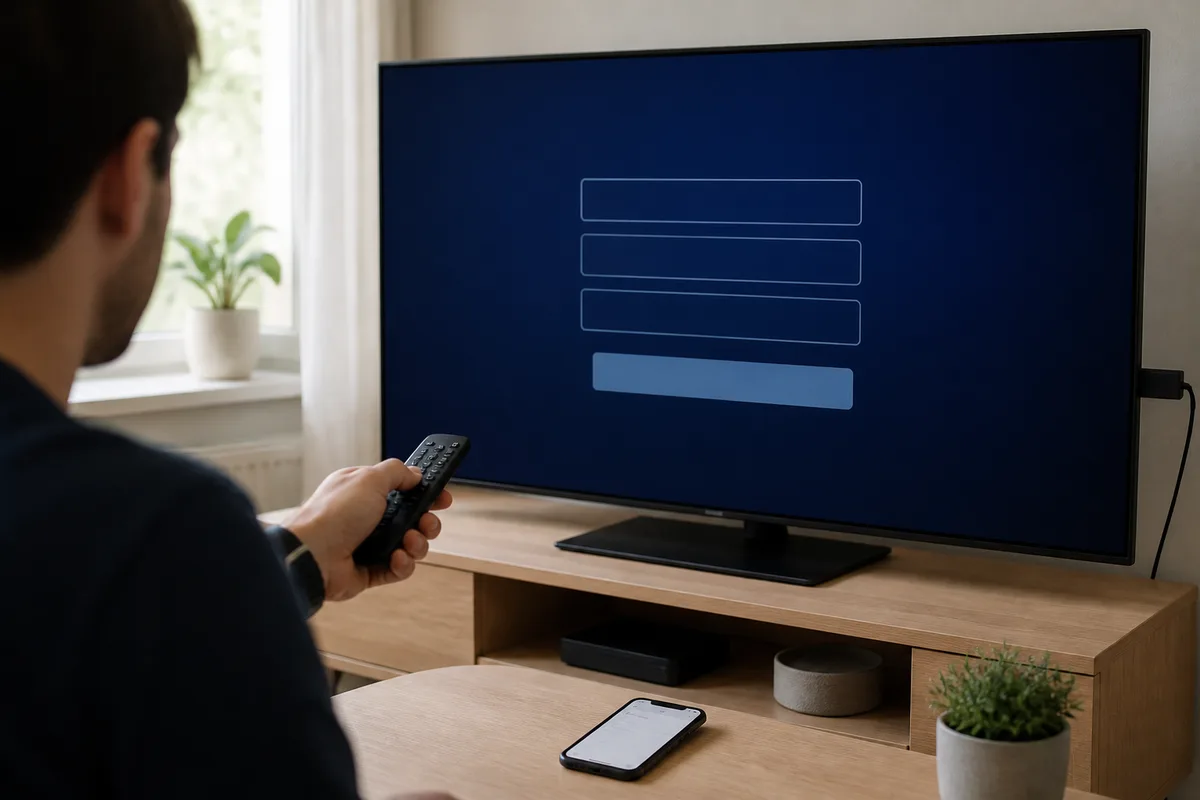
Installing IPTV Smarters Pro is essentially identical on every device: download the app from your device's store, choose login via the Xtream Codes API, and enter the server URL, username and password. The whole process normally takes under five minutes. Below is the platform-specific variant for each device type we tested.
Before you start you need three things from your provider: the server URL (usually in the form http://your-server.com:8080), a username and a password. With a serious provider you get these right at checkout or via a free trial. Save them in a note on your phone so you can paste them in rather than typing them out — that eliminates the vast majority of login errors.
Android and Android TV
- Open Google Play and search for "IPTV Smarters Pro" or "IPTV Smarters Player".
- Tap Install and open the app once it downloads.
- Accept the terms and choose Login with Xtream Codes API.
- Enter any name (e.g. "Home"), then paste the server URL, username and password.
- Tap Add User and wait while the channel list loads.
iPhone, iPad and Apple TV
On iOS and tvOS the app is often listed as IPTV Smarters Player in the App Store. Search, download and open it. Choose the Xtream Codes login, fill in the same three details and tap to add the account. On Apple TV 4K you navigate with the Siri Remote — the field order is identical to the mobile version.
Fire TV Stick and Fire TV 4K Max
On Fire TV the app lives in the Amazon Appstore. Search for "IPTV Smarters" straight from the home screen, download and open it. If you can't find it in the store, sideload it via the Downloader app: enable "Apps from Unknown Sources" under Settings → My Fire TV → Developer Options, open Downloader and enter the download link from your provider or the official site.
Samsung Tizen and LG webOS
On a Smart TV you use Smarters Player Lite, the slimmed-down version for TV operating systems. Open Samsung Smart Hub or the LG Content Store respectively, search for "Smarters Player Lite", install and open it. Many LG and Samsung sets from 2019 onward carry it directly in the store. Login uses the same Xtream Codes as on mobile. If the app is missing from your TV's store, a Fire TV Stick or Android TV box is the simplest alternative.
Chromecast with Google TV and others
Chromecast with Google TV runs the Android TV version directly through Google Play — the same steps as under Android above. On Windows and macOS there's a separate desktop client you download from the developer's site and log in to with identical details.
Once logged in, give the app 30–90 seconds to load channels and the EPG. The first time can take a little longer because the entire programme guide is fetched. If you need help with a specific model, our support and frequently asked questions are gathered on the FAQ page.
One tip from our testing: note down exactly what name you gave the account during login ("Home", "Sport" and so on). When you later install the app on a second or third device you'll want the same structure so the family recognises it. And if you log in on several devices at once, remember that your subscription has a limit on how many streams can play simultaneously — you can be logged in everywhere, but only stream on a limited number of devices at the same time. It's one of the most common misunderstandings we untangle in support.
Activated within 5 minutes
IPTV Smarters Pro – features and settings in detail
IPTV Smarters Pro is more than a channel list. Behind the simple interface sits a handful of settings that affect picture, navigation and security significantly — and that many users never open. Here we run through the features genuinely worth knowing so you get the most out of the app from the first night.
EPG and programme guide. With Xtream Codes the guide (EPG via XMLTV) loads automatically and shows what's on now and later on each channel. You can force an update under Settings → EPG, and in many versions set a reminder before a programme begins. A correct EPG is the difference between a channel list and a real TV experience — and usually the single most important feature for viewers who want to follow the Premier League or Champions League without missing kick-off.
Multi-playlist and multiple accounts. In the later versions you can add several Xtream Codes accounts to the same app and switch between them. Handy if you have one subscription for sport and one for films, or if the whole household shares one device.
External player and codec choice. If a channel stutters you can switch the internal playback engine in the settings, or send the stream to an external player like VLC or MX Player. That often fixes H.265/HEVC codec issues on older hardware where the built-in decoder struggles.
Parental lock and favourites. Lock adult categories behind a PIN and mark your most-watched channels as favourites for quick access. On a family TV this is all but essential.
Privacy and VPN. Because IPTV streams over your ordinary connection, some users add a VPN or use the privacy protection certain subscriptions include. The app doesn't require it, but it's a feature worth knowing about. If you want to see how the app, device and subscription fit together, the Nordisc IPTV home page and overview is a good place to start.
Xtream Codes API vs M3U – which should you choose?
IPTV Smarters Pro supports two login methods, and the choice affects your daily use more than you'd think. The Xtream Codes API (server URL, username, password) loads channels, categories, the VOD library and the EPG automatically and refreshes them in the background. A plain M3U/M3U8 link works too, but often lacks categorisation and needs a separate EPG URL you enter manually. The recommendation is clear: choose the Xtream Codes API when your provider offers it, and keep M3U mode as a fallback.
IPTV Smarters Pro vs other players – comparison
IPTV Smarters Pro wins on breadth and simplicity, but it isn't always the sharpest app for every single device. TiviMate has a better guide and DVR on Android TV, while IBO Player Pro reaches even more Smart TV models for a one-time fee. The table below pits the most relevant players against each other on the criteria that actually decide the day-to-day experience.
| Feature | IPTV Smarters Pro | TiviMate | IBO Player Pro | Smart IPTV |
|---|---|---|---|---|
| Price | Free | Free / premium | One-time fee per device | One-time fee per device |
| Xtream Codes API | Yes | Yes | Yes | Yes |
| M3U / M3U8 | Yes | Yes | Yes | Yes |
| EPG / XMLTV | Good | Best | Good | OK |
| Multi-playlist | Yes (later versions) | Yes (premium) | Yes | No |
| DVR / recording | Limited | Yes (premium) | No | No |
| Android / Android TV | Yes | Yes | Yes | No |
| Apple TV / iOS | Yes | No | Yes | No |
| Samsung Tizen / LG webOS | Yes (Lite) | No | Yes | Yes |
| Parental lock | Yes | Yes | Yes | Yes |
The conclusion from our tests: if you have a mixed set of devices and want a single app to learn, IPTV Smarters Pro is the obvious first choice. If you're a power user with a Fire TV Stick and want the industry's best EPG and recording, it pays to look at TiviMate alongside it. For an LG or Samsung TV without extra hardware, Smarters Player Lite and IBO Player Pro compete evenly.
Many households actually combine two apps: IPTV Smarters Pro as the "always works" baseline on every device, plus TiviMate on the device where they watch most. Because every app logs in with the same Xtream Codes, it costs nothing extra to have several installed at once — all you need is a subscription that allows a reasonable number of simultaneous streams. It's a common and entirely legitimate setup, not a sign that any one app is inadequate. For a wider view of providers worldwide, see our global IPTV overview.
Pro, Player or Lite – which variant?
A frequent source of confusion is that the app comes under several names. IPTV Smarters Pro and IPTV Smarters Player are effectively the same thing on mobile and Android TV. Smarters Player Lite is the TV version for Tizen and webOS with a trimmed feature set. Functionally they all log in with the same Xtream Codes and play the same streams — simply pick whichever variant is in your device's app store.
Support team available 24/7
Troubleshooting – when IPTV Smarters Pro misbehaves
Almost every problem with IPTV Smarters Pro falls into one of four categories: failed login, empty EPG, buffering, or the app crashing on an older Smart TV. Each has a known cause and a quick fix. Work through the list below before contacting support — in most cases you'll solve it yourself in a few minutes.
"Invalid credentials" or login rejected
Symptom: the app won't accept the server URL, username or password. Cause: almost always a typo (the fields are case-sensitive) or a missing http:// and port number in the URL. Fix: paste the details straight from the message you received instead of typing them out. Make sure you chose Xtream Codes API rather than "Load Playlist by URL" if you were given codes, and add the port number (usually :8080 or :25461) if it's missing.
The EPG (programme guide) is empty or shows "No Data"
Symptom: channels play but the schedule is blank. Cause: the EPG source hasn't loaded yet or isn't configured. Fix: go to Settings → EPG → Force Update in the app and wait a few minutes. If that doesn't help, ask your provider for a separate XMLTV link to add manually. The EPG normally refreshes automatically once a day.
Constant buffering or pixelated picture
Symptom: the picture stutters, freezes and resumes. Cause in most cases: insufficient bandwidth or a weak Wi-Fi signal. Fix: run a speed test directly on the device. Below 25 Mbps — switch from Wi-Fi to Ethernet or move the router closer. If it persists at 50+ Mbps, drop from 4K to FHD in the stream settings, or enable the app's built-in VPN/privacy protection if your provider offers it.
The app crashes on a Smart TV
Symptom: the app closes immediately after launch. Most common on older LG (webOS 3.x) and Samsung models before 2018. Fix: uninstall the app, unplug the TV's power cable for 60 seconds, and reinstall from the store. If the TV is older than 2018, a Fire TV Stick 4K Max often outperforms the TV's built-in processor — and then you can run the full version of IPTV Smarters Pro instead of Lite.
Channels or VOD won't load despite a successful login
Symptom: you're logged in but categories are empty or a film won't start. Cause: either the subscription isn't activated yet (sometimes the case right after ordering) or the number of simultaneous streams is over your limit. Fix: confirm the account is active, stop the stream on other devices, and pull-to-refresh the channel list from inside the app (Settings → Refresh / Update). If it persists, log out and back in so a fresh catalogue is fetched from the server.
Pros and cons of IPTV Smarters Pro
IPTV Smarters Pro is free, universally compatible and easy to get started with, but it lacks the polished EPG and DVR power users find in TiviMate. Here's an honest summary after our testing.
Pros
- Completely free base version with no ads on most platforms.
- Universal device support — the same app on TV, box, phone and computer.
- Supports both the Xtream Codes API and M3U/M3U8 plus EPG via XMLTV.
- Simple login — three fields and you're up and running in minutes.
- Multi-playlist and parental lock in the later versions.
- Built-in privacy protection when paired with a subscription that offers a VPN.
Cons
- The EPG grid is less polished than TiviMate.
- No full DVR with USB recording.
- Confusing naming (Pro, Player, Lite) with differing features.
- Some Smart TV ports update more slowly than the mobile version.
- No content on its own — it always requires a separate subscription.
Start streaming in 5 minutes
Frequently Asked Questions about IPTV Smarters Pro
Below we answer the most common questions we get about IPTV Smarters Pro, IPTV in general and how to get started. The questions are based on the most-searched queries and our own support tickets.
How do I install and set up IPTV Smarters Pro?
Download the app from your device's store (Google Play, App Store, Amazon Appstore, Samsung Smart Hub or LG Content Store), open it and choose Login with Xtream Codes API. Enter any name plus the server URL, username and password from your provider, then tap to add the account. After 30–90 seconds the channels and EPG are loaded. The whole process normally takes under five minutes.
What is IPTV Smarters?
IPTV Smarters (Pro) is a free media player for IPTV that supports the Xtream Codes API, M3U/M3U8 and EPG via XMLTV. The app plays back live TV, films and series from your subscription but delivers no content of its own — it's a playback tool comparable to VLC or Kodi, but purpose-built for IPTV.
What is IPTV?
IPTV (Internet Protocol Television) is television delivered over the internet instead of via terrestrial aerial, cable or satellite. The streams are sent as data packets (usually HLS over M3U8) and played back in an app like IPTV Smarters Pro. The advantage is that you can watch on any connected device — Smart TV, phone, tablet or box — without a dedicated receiver.
How does IPTV work?
Your provider sends live channels and on-demand content from its servers via the Xtream Codes API or an M3U playlist. The app authenticates with your username and password, fetches the channel list and EPG, then streams the chosen channel in HD, FHD or 4K depending on your bandwidth. It all happens over your ordinary internet connection.
Which IPTV is best?
It depends on your needs, but a good provider should have stable Swedish and Nordic channels (SVT, TV4, TV3, Kanal 5), sport such as Allsvenskan and SHL, broad device support, 24/7 support and a no-commitment trial. We compare options in our best IPTV buying guide. IPTV Smarters Pro works with virtually every serious provider because the app is provider-agnostic.
How do you get IPTV?
You pick a provider, order a subscription or trial, and receive your Xtream Codes (server, username, password). Then you install IPTV Smarters Pro and log in with the codes. You can also choose a plan straight from our subscription plans and pricing, or start a free trial to test the whole chain before you pay.
How much does IPTV cost?
At Nordisc IPTV a subscription costs 179 kr for 1 month, 379 kr for 3 months, 499 kr for 6 months and 799 kr for 12 months, with no lock-in. The IPTV Smarters Pro app itself is free — you only pay for the subscription. Current prices and packages are always on our pricing page.
Is IPTV Smarters Pro legal?
The app itself is fully legal — it's a playback tool, just like VLC or Kodi. Legality is determined by the content you feed into it. With a subscription from a serious provider supplying licensed content you stream legally, and thanks to the EU portability rules (regulation 2017/1128) you can take your service with you across the EU/EEA.
Conclusion
IPTV Smarters Pro is the simplest way to get started with IPTV on any device. It's free, speaks every relevant protocol, and the same login works from a Fire TV Stick to an iPhone. The only thing you need beyond the app is a subscription with stable channels and working Xtream Codes — then you're up and running in under five minutes.
Want to test the app against a real server with Swedish channels, sport and on-demand? Compare the plans on our pricing page with every subscription, or head straight to the Nordisc IPTV home page for Swedes everywhere and get started. For technical background, see Wikipedia's article on IPTV.
Nordisc IPTV has helped households in Sweden and Swedes abroad watch SVT, TV4, Allsvenskan and SHL since 2022. Our support team is available 24/7 for setup, troubleshooting, and subscription questions.