Published:
Best IPTV App Abroad – Top Players for Expats 2026
Best IPTV app abroad – TiviMate, IPTV Smarters Pro and IBO Player compared for expats, plus a 5-minute setup and a scam-safe buying checklist.
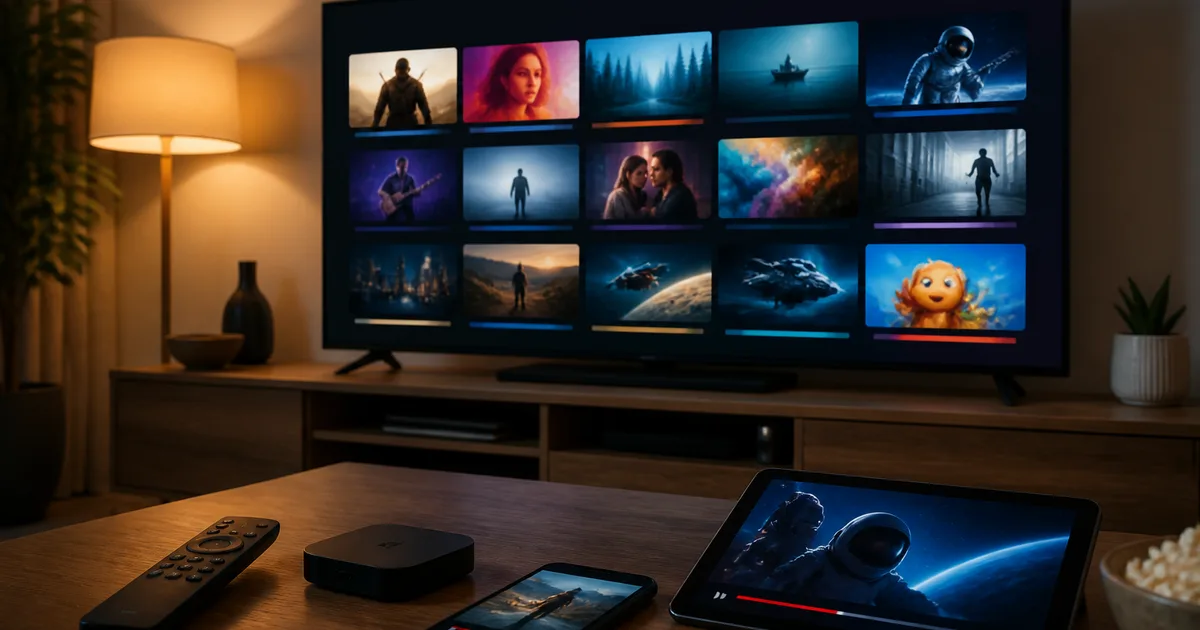
The best IPTV app abroad for most expats in 2026 is IPTV Smarters Pro on Apple TV and iPhone, or TiviMate on Fire TV Stick and Android TV, with IBO Player Pro as the best choice on Samsung Tizen and LG webOS Smart TVs. The app itself is only a free player — it doesn't supply channels, so the choice that actually matters is the licensed subscription you load into it. A good IPTV app plays SVT, TV4 and V Sport in FHD or 4K from any country, syncs a 7-day EPG, and logs in with Xtream Codes in under five minutes — no VPN, no Swedish IP address, and no fight against geo-blocking. This guide compares the best IPTV apps for expats, shows which one to install on each device, and gives you a scam-safe checklist so you don't pay a reseller who disappears after a month.
Quick summary
The best IPTV app abroad is the one that matches your device and loads a licensed subscription cleanly: IPTV Smarters Pro (most universal, the only top app on Apple TV), TiviMate (best EPG and recording on Fire TV / Android TV), or IBO Player Pro (widest Smart TV coverage, one-time fee). The app is free; the subscription is what you pay for. A licensed Swedish IPTV plan runs 179–799 SEK, works in any country without a VPN, and installs in five minutes.
What matters most when picking the best IPTV app abroad in 2026
- The app is just a player. No legitimate app sells channels inside itself. Anyone charging you "for the app with channels included" through an unofficial APK is the scam pattern to avoid.
- Match the app to the device: IPTV Smarters Pro on Apple TV / iPhone, TiviMate on Fire TV Stick / Android TV, IBO Player Pro or Smart IPTV on Samsung Tizen and LG webOS.
- Use Xtream Codes, not a raw M3U URL — it's more stable for live channels and gives you a proper EPG and VOD.
- No VPN needed. A licensed Swedish IPTV subscription streams the same in London, Berlin, Madrid, Toronto or Bangkok because the stream comes from the provider's server, not directly from SVT.
- Scam-safe rule: buy the subscription from a provider with a clear billing identity, 24/7 support and a free trial — then install a free, official app from your device's store.
If you've moved out of Sweden, you've probably already downloaded three different IPTV apps, pasted credentials into each, and watched two of them buffer through the first half of an Allsvenskan match. The frustrating part is that the app you chose is rarely the real problem — the player and the subscription are two separate things, and most "which app is best" guides blur them together. This guide keeps them separate. We tell you exactly which free IPTV app to install on your specific device abroad, how to load a licensed subscription into it, and how to avoid the resellers who sell you a "loaded app" that stops working the week after you pay. By the end you'll know which player to put on your Apple TV in London or your Fire TV Stick in Madrid, and how to set it up in five minutes.
On this page:
- What "best IPTV app" actually means
- Why the right IPTV app matters more when you live abroad
- How to choose and install the best IPTV app abroad
- Best IPTV apps abroad compared
- Best IPTV app per device — quick recommendations
- Troubleshooting the best IPTV app abroad
- Pros and cons of relying on an IPTV app abroad
- Scam-safe buying: how to avoid bad IPTV deals abroad
- Frequently asked questions about the best IPTV app abroad
- Bottom line: which IPTV app to install abroad
What "best IPTV app" actually means
The best IPTV app is the software player you install on a TV, streaming stick or phone to decode and display an IPTV subscription — it is not the source of the channels. Apps like IPTV Smarters Pro, TiviMate and IBO Player are free, empty shells until you log in with Xtream Codes or an M3U playlist from a separate provider. The app handles playback, EPG and the channel grid; the subscription supplies the actual SVT, TV4 and V Sport streams.
This distinction is the single most important thing to understand before you spend any money. An app from the App Store or Google Play cannot legally bundle live TV channels inside itself — Apple and Google would pull it. So when a seller offers you a "best IPTV app abroad" that already has 50,000 channels baked in for a one-time payment, you are not buying an app at all; you are buying a sideloaded package tied to one anonymous server that vanishes the moment it's reported. The legitimate model is always two parts: a free, official player plus a paid subscription you load into it. You can see the licensed channel side of that model on Nordisc IPTV's Swedish channel lineup, and the player side is whatever app this guide recommends for your hardware.
Why the right IPTV app matters more when you live abroad
When you're abroad, the app choice carries extra weight because you can't pop into a Swedish electronics shop or call a Swedish-speaking installer. The right player auto-loads a 7-day EPG in the correct CET/CEST time, survives firmware updates on a foreign Smart TV, and recovers gracefully when your evening fibre gets congested — the difference between watching SHL live and staring at a spinning wheel.
For Swedish expats, three app-specific factors decide whether the experience feels like home or like a constant fight. App-store availability: Apple TV keeps the App Store identical in every country, so IPTV Smarters Pro is always reachable; some Samsung Tizen and LG webOS sets quietly drop IPTV apps after a regional firmware update, which is why a manufacturer-independent app or device is safer abroad. EPG and time-zone handling: a good app lets you offset the guide so SVT's CET schedule shows in your local time — a feature budget players skip. Stability under load: on a Saturday derby night every server outside Sweden is busy, and a player with proper buffering and adaptive bitrate (TiviMate, IPTV Smarters Pro) holds the stream where a lightweight one drops it. If you want the wider abroad context beyond the app itself, our complete guide to Swedish IPTV abroad covers devices, bandwidth and country-by-country quirks.
No commitment · no credit card
How to choose and install the best IPTV app abroad
Choosing the best IPTV app abroad is a two-decision process: first match a free, official player to your device, then load a licensed subscription into it with Xtream Codes. Installation takes about five minutes on any platform, requires no VPN and no Swedish IP address, and is identical whether you're in Stockholm or Sydney. Here is the exact sequence.
- Identify your primary device. Apple TV, Fire TV Stick, an Android TV / Google TV box, or a Samsung Tizen / LG webOS Smart TV. This decides the app, because not every player exists on every platform — TiviMate, for example, isn't on Apple TV's tvOS.
- Pick the matching app. Apple TV and iPhone/iPad → IPTV Smarters Pro (or GSE Smart IPTV). Fire TV Stick and Android TV → TiviMate (premium EPG/DVR) or IPTV Smarters Pro. Samsung Tizen / LG webOS → IBO Player Pro or Smart IPTV. Computer → VLC or IPTV Smarters for desktop.
- Install from the official store only. Apple App Store, Amazon Appstore, Google Play, Samsung Tizen Store or LG Content Store. Never sideload an APK from a link in a forum or WhatsApp message — that's the most common malware vector in IPTV.
- Open the app and choose "Add Playlist" or "Login with Xtream Codes API." Xtream Codes (a server URL plus username and password) is more reliable than a raw M3U link for live channels and is what loads the EPG and VOD library.
- Paste the three credentials from your provider's welcome email. Activation is immediate; the broadcaster never sees your home IP, so there's nothing to geo-unblock.
- Wait 30–60 seconds for the channel list and EPG to sync on first launch, then open a Swedish channel and confirm picture quality before you rely on it for live sport.
If you want to validate this whole flow before paying for a year, the cleanest way is to run a free Swedish IPTV trial through whichever app you installed — same Xtream Codes the paid plans use, so what you test is what you get.
Best IPTV apps abroad compared
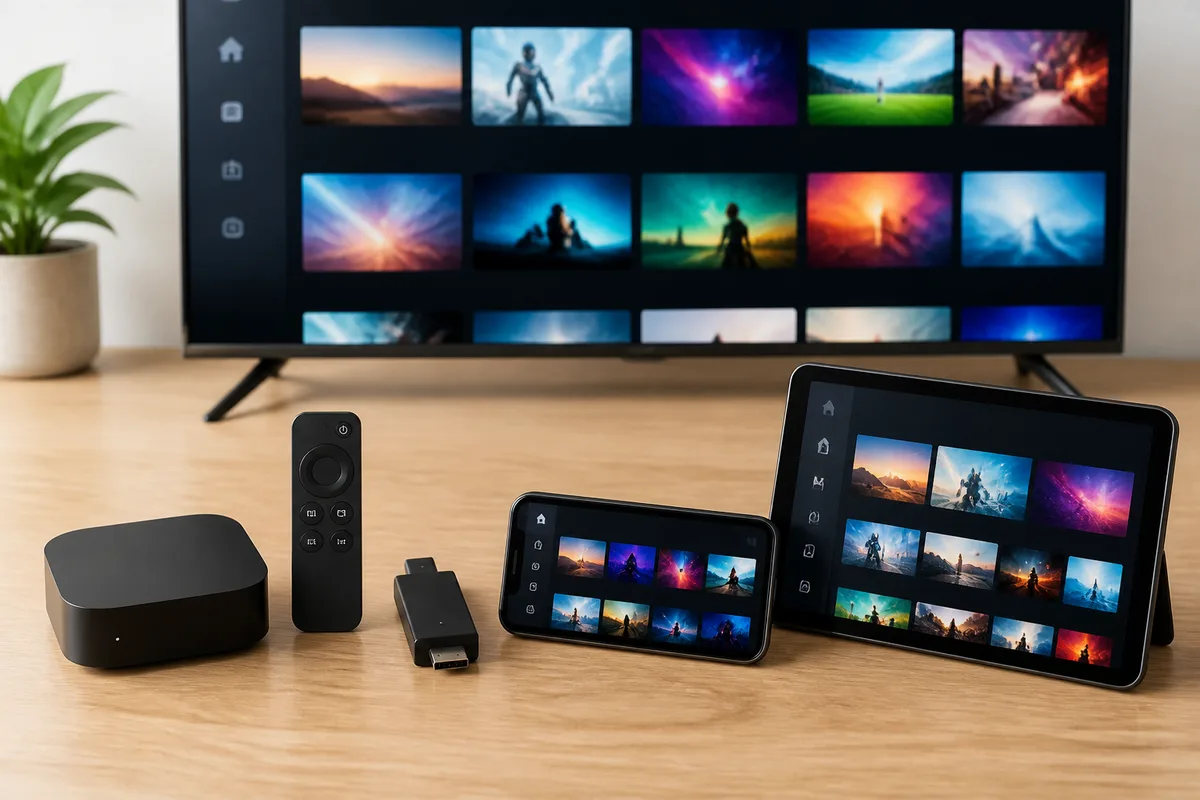
No single app wins on every device, so the honest answer to "which is the best IPTV player" depends on your hardware and whether you want recording and a polished EPG. The table below compares the five players expats actually use, on the criteria that matter abroad: device coverage, EPG quality, recording, cost and the platforms where each one is the right pick.
| App | Best on | EPG quality | Recording (DVR) | Cost | Why pick it abroad |
|---|---|---|---|---|---|
| IPTV Smarters Pro | Apple TV, iPhone, iPad, Android, Smart TV | Good | Limited | Free | Most universal; the only strong option on Apple TV; same UI on every screen |
| TiviMate | Fire TV Stick, Android TV / Google TV | Excellent (7-day grid) | Yes (Premium) | Free / Premium upgrade | Best guide and recording; the choice for serious sport viewers on Fire Stick |
| IBO Player Pro | Samsung Tizen, LG webOS, Apple TV | Good | No | One-time activation fee | Widest Smart TV coverage; survives where built-in apps get dropped |
| Smart IPTV (SIPTV) | Samsung Tizen, LG webOS (2018+) | Basic | No | One-time fee | Pre-installed on many older Samsung/LG sets; simple and reliable |
| GSE Smart IPTV | iOS, Apple TV | Good | No | Free / paid tier | Apple-ecosystem favourite; flexible playlist handling |
A few takeaways from testing these abroad. TiviMate has the best EPG and is the only one of these with proper recording, but it's Android-only — useless on Apple TV. IPTV Smarters Pro is the safest default precisely because it runs everywhere and behaves the same on each device, which matters when you're supporting parents back home over the phone — our dedicated IPTV Smarters Pro setup and troubleshooting guide walks through the login platform by platform. IBO Player Pro and Smart IPTV charge a small one-time activation fee per device — that's normal and not a scam, unlike a one-time fee that claims to include channels. For a deeper feature-by-feature breakdown of these players, our IPTV Smart Player comparison goes criterion by criterion across all six. And if you're still deciding on the subscription rather than the app, the best IPTV guide for 2026 walks through how to evaluate the provider itself.
Activated within 5 minutes
Best IPTV app per device — quick recommendations
The fastest way to get this right abroad is to match the device you already own to its strongest player. Below is the one-line recommendation per device, plus the reason — these are the same picks we use on real residential connections in London, Berlin and Madrid. For country-specific notes, such as watching Swedish TV in Norway where fibre and time-zone quirks change the calculus, we keep separate local guides.
- Apple TV 4K → IPTV Smarters Pro. The most diaspora-friendly device: the App Store is identical worldwide, no Apple ID region switch needed, hardware H.265/HDR decoding. The single best all-round setup for expats.
- Fire TV Stick 4K / 4K Max → TiviMate. Best EPG and recording, ships in every country Amazon serves, around 70 EUR. Watch for Fire OS pushing Prime Video over your app on launch.
- Android TV / Google TV box (NVIDIA Shield, Xiaomi) → TiviMate or IPTV Smarters Pro. Most flexible, best for power users who want sideload control and recording.
- Samsung Tizen / LG webOS Smart TV (2020+) → IBO Player Pro or Smart IPTV. No extra hardware; just confirm your model year still receives the app after firmware updates.
- iPhone / iPad → IPTV Smarters Pro or GSE Smart IPTV. Great as a second screen or a Chromecast source; not ideal as your only device for live sport.
- What to avoid abroad → a MAG box. It's built for in-country cable replacement, tied to a provider portal, and travels badly across borders.
Whichever device you land on, the subscription side stays the same — one Nordisc IPTV subscription loads into the app on every screen in the house, so you're not paying per device.
Troubleshooting the best IPTV app abroad
Most IPTV app problems abroad come down to four causes: network congestion, a stale EPG cache, an expired login, or a server route that changed when you moved countries. Each has a quick fix, and almost none of them mean the app or subscription is actually broken. Here are the five issues expats report most and how to clear them.
"The app buffers every few seconds on big-match nights." This is evening congestion on your residential link, not the app. Switch from Wi-Fi to wired Ethernet on the Apple TV or Fire Stick, drop the player from 4K to 1080p for the night, and restart the router to clear short-term DNS hiccups. In countries with shaped fibre (Spain, Italy, parts of Germany), check whether your ISP throttles streaming after 22:00.
"Some channels won't load but others play fine." Usually a stale EPG cache or a channel moved to a new server. In IPTV Smarters Pro go to Settings → Reload Channels; in TiviMate, refresh the playlist. If a specific channel still fails, message support with the channel name and a screenshot — that's a provider-side fix, not an app fix.
"It worked yesterday, now it won't log in." Most often a renewal or expiry issue — open your welcome email and check the expiry date. On Apple TV, tvOS occasionally clears the app's cached credentials after an OS update, so re-enter the Xtream Codes manually.
"The EPG is in the wrong time zone." The guide is published in CET/CEST. In the app's player or EPG settings, set the time-zone offset to your local time relative to Europe/Stockholm so the schedule lines up with when programmes actually air where you live.
"Picture quality dropped after I moved countries." A new country means a new route between the server and your device, so the player's adaptive bitrate guesses lower. Force 1080p instead of "Auto" in the player settings, or ask support to point you at the closest server node.
Test before you commit. Install your device's recommended app, then run a no-card 24-hour trial against a real Allsvenskan or SHL match at 17:00 on a Saturday — the only honest stress test for streaming abroad.
Support team available 24/7
Pros and cons of relying on an IPTV app abroad
Pros
- One app, every screen. A single subscription loads into IPTV Smarters Pro or TiviMate on Apple TV, Fire Stick, Smart TV and phone — no per-device service to manage.
- No VPN, no geo-block fight. Because the stream comes from the provider's server, the app works the same in any country without spoofing a Swedish IP address.
- Full Swedish lineup plus a 7-day EPG. SVT1, SVT2, SVT24, TV4, TV3, Kanal 5, TV6, Viaplay and V Sport with a proper programme guide — far more than SVT Play offers abroad.
- Five-minute setup. Paste three Xtream Codes credentials and you're watching; no router config, no Apple ID region change.
- Free, official players. The apps themselves cost nothing (or a small one-time fee on Smart TVs); you only pay for the licensed subscription.
Cons
- The app can't fix a bad subscription. A polished player won't rescue an oversold, under-resourced server — provider quality matters more than app choice.
- No single app wins everywhere. TiviMate isn't on Apple TV; some apps charge a per-device activation fee. You may run two different apps across a mixed-device household.
- Smart TV apps can be dropped. Samsung Tizen / LG webOS occasionally remove IPTV apps after firmware updates, which is why a dedicated Apple TV or Fire Stick is steadier abroad.
- Live sport needs real bandwidth. Even the best app buffers if your evening fibre can't sustain 25–50 Mbps during peak congestion.
Scam-safe buying: how to avoid bad IPTV deals abroad
Because the app is free and the subscription is what costs money, every IPTV scam abroad targets the subscription, not the player. The rule is simple: buy from a provider with a clear billing identity, 24/7 support and a real free trial, then install a free official app yourself. Never pay for an "app with channels included."
The warning signs are consistent. A "lifetime" subscription for a single small payment is the classic red flag — server bandwidth is a recurring cost, so a one-time lifetime price means the operator plans to take your money and disappear, or resell oversold capacity that collapses on match night. A seller who insists you sideload a specific APK rather than use the official store app is steering you toward a closed, untraceable system. A provider with no published support channel, no trial, and payment only in gift cards or untraceable crypto with no invoice, is one you can't hold accountable when it fails. By contrast, a legitimate Swedish IPTV service lists its channel coverage, offers a genuine trial, takes normal payments, and supports you in Swedish and English around the clock — the model described across our round-up of the best-rated IPTV for Sweden, which gives you a step-by-step method to verify any provider yourself rather than trusting a list. For the wider legal picture — including how enforcement against unlicensed streaming has been tightening across Europe — see our overview of the IPTV world in 2026.
Your single best protection is the free trial: it lets you verify the actual app experience, on your actual device, in your actual city, before any money changes hands.
Start streaming in 5 minutes
Frequently asked questions about the best IPTV app abroad
What is the best IPTV app?
There's no single best IPTV app for every situation, but the strongest all-round choice abroad is IPTV Smarters Pro, because it runs on Apple TV, iPhone, Android, Fire TV Stick and most Smart TVs with the same interface. TiviMate is better if you're on a Fire TV Stick or Android TV and want a premium EPG and recording, while IBO Player Pro is the best fit for Samsung Tizen and LG webOS sets. All three are free or low-cost players — the channels come from your separate subscription, not from the app.
Which is the best IPTV player for Apple TV?
On Apple TV the best IPTV player is IPTV Smarters Pro, with GSE Smart IPTV as a solid alternative. TiviMate — often called the best player overall — is Android-only and not available on tvOS, so it's not an option on Apple TV. IPTV Smarters Pro hardware-decodes H.265 and HDR on Apple TV 4K, keeps the same login across your other devices, and stays available in the App Store in every country, which is why it's the most diaspora-friendly pick.
Which IPTV box is best for using abroad?
For expats, the best IPTV box is the Apple TV 4K, followed by the Fire TV Stick 4K Max as a budget option. Apple TV keeps its App Store identical worldwide, so you never lose access to IPTV Smarters Pro after moving countries, and it handles 4K H.265 streams cleanly. An Android TV box like the NVIDIA Shield is the most flexible for power users. Avoid MAG boxes abroad — they're designed for in-country cable replacement and travel poorly across borders.
Do I need a VPN with the best IPTV app abroad?
No. A licensed Swedish IPTV subscription doesn't require a VPN because the broadcaster's geo-restriction check is never run against your home IP address — the stream is delivered from the provider's own server, so it works identically in any country. If an app or seller tells you a VPN is mandatory to watch, treat it as a warning sign about how that service sources its streams. The whole point of a real subscription for the diaspora is to retire the VPN entirely.
Is it legal to use an IPTV app abroad?
The app itself — IPTV Smarters Pro, TiviMate, IBO Player — is completely legal; they're general-purpose media players available in official app stores. Legality depends on the subscription you load into it. Paying a provider that holds the rights to distribute the channels is a normal consumer purchase, while loading streams from an unlicensed reseller is where the legal risk sits. Choose a provider with a clear billing identity and published channel coverage, and you stay on the safe side. EU residents also benefit from cross-border portability rules under Regulation (EU) 2017/1128 for services they legitimately subscribe to at home.
How much should the best IPTV app and subscription cost abroad?
The app should cost nothing, or at most a small one-time activation fee on Smart TVs (IBO Player Pro, Smart IPTV). The subscription is the real cost: a licensed Swedish IPTV plan runs 179 SEK for one month, 379 SEK for three, 499 SEK for six, or 799 SEK for a year, with no contract. Anyone charging a single "lifetime" payment that bundles the app and channels together is the pattern to avoid — recurring server costs make a true lifetime price impossible to sustain. You can check current plans on the Nordisc IPTV pricing page.
Can I use the same IPTV app and login on more than one device?
Yes — the app is per-device but the subscription's Xtream Codes are the same everywhere, so you install IPTV Smarters Pro on the Apple TV, TiviMate on the Fire Stick and the same login on a phone. A single plan typically allows a set number of simultaneous streams across devices in one household; check your provider's concurrent-stream policy. If two households in different countries both want fully independent access, two subscriptions is the clean solution and still cheaper than two cable contracts.
Bottom line: which IPTV app to install abroad
The best IPTV app abroad is whichever free, official player matches the device in your hand — IPTV Smarters Pro on Apple TV and iPhone, TiviMate on Fire TV Stick and Android TV, IBO Player Pro or Smart IPTV on a Samsung or LG Smart TV. The app decision is genuinely secondary to the one that matters: the licensed subscription you load into it. A great player can't rescue an oversold server, and a cheap "loaded app" with channels baked in is the scam pattern every expert tells you to avoid. Install the right free app, load a licensed Swedish subscription with Xtream Codes, and you'll have SVT, TV4 and V Sport on every screen in five minutes — no VPN, no geo-block, no monthly gamble.
The cheapest way to confirm all of this on your own equipment is to start a free Nordisc IPTV trial, install your device's recommended app, and run it against a real match before you commit. When you're ready to subscribe, the full plan breakdown lives on the Nordisc IPTV plans and pricing page, and any setup question is covered in the Nordisc IPTV help centre or answered directly by support. For the wider context of streaming everything Swedish from another country, start from the Nordisc IPTV homepage and work outward from there.
We've installed and tested every app in this guide on real residential connections in London, Berlin and Madrid; if your device matches one of our recommendations and a stream still won't behave after a clean five-minute setup, our 24/7 support team will work through it with you.
The Nordisc IPTV Team has helped households in Sweden and Swedes abroad watch SVT, TV4, Allsvenskan and SHL since 2022. Our support team is available 24/7 for setup, troubleshooting, and subscription questions.
Reference: IPTV on Wikipedia for background on internet-protocol television and the player/provider distinction.